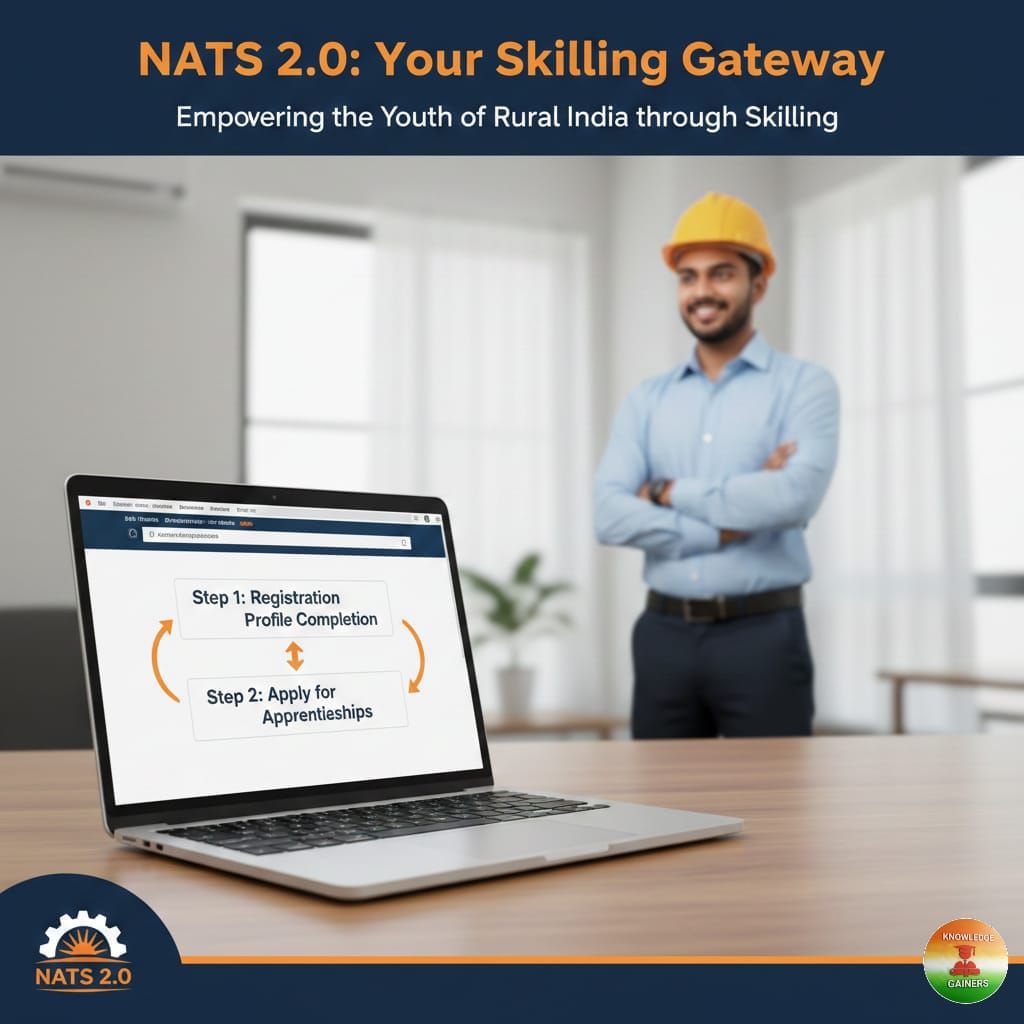
In today’s competitive job market, practical experience is the bridge between a degree and a career. The National Apprenticeship Training Scheme (NATS) is a flagship initiative by the Government of India designed to provide this exact bridge. By enrolling in NATS 2.0, students can access hands-on On-the-Job-Training (OJT) with monthly stipends and earn a government-recognized Certificate of Proficiency.
Whether you are a recent graduate or a diploma holder, this guide will walk you through the entire process—from registration to applying for your first internship.
What is the NATS 2.0 Portal?
The NATS 2.0 portal is a digital platform that connects technically qualified youth with top industries for apprenticeship opportunities ranging from 6 months to 1 year. It is governed under the Apprentices Act of 1961 and is a "one-stop shop" for managing your apprenticeship lifecycle.
Part 1: Step-by-Step Student Registration Process
Before you can apply for an internship, you must register as a student on the portal.
Step 1: Visit the Registration Page
Go to the official NATS 2.0 registration URL: https://moenats.aicte-india.org/student_register.php.
Step 2: Preliminary Eligibility Check
You will be asked to fill in preliminary details to confirm your eligibility. Ensure you have the following ready:
Aadhar Card: You must upload a PDF version (size < 1MB).
Educational Credentials: Details of your degree or diploma.
Contact Info: A valid mobile number and email address (these will be your login credentials).
Step 3: Detailed Profile Filling
Once registered, you must complete your profile. A 100% complete profile significantly increases your chances of selection. You will need to fill out:
Basic Details: Name, Father/Mother’s name, and date of birth.
Educational Details: Course type (Graduate/Diploma), Institute name, Year of passing, and Percentage/CGPA.
Communication Information: Permanent and present address.
Training Preferences: Choose your preferred field of study and preferred locations (State and District) for your apprenticeship.
Bank Details: Enter your bank account information where you will receive your monthly stipend.
Step 4: Final Submission
Scroll to the end of the profile page, cross-check all details for accuracy, and click "SUBMIT".
Part 2: How to Apply for Internships (Apprenticeships)
After your profile is complete, you can start looking for opportunities directly from your dashboard.
Step 1: Search for Advertisements
On your student dashboard, apprenticeship advertisements are listed based on your training preferences. You can view:
Industry Name and Post Title.
Job Description and Skills Required.
Stipend amount and Location.
Last date to apply.
Step 2: Apply for a Position
Once you find a suitable role, click the "Apply" button.
Step 3: Application Management
You can track the status of all your applications under the "Application Management" tab. Here, the status will update as the industry reviews your profile.
Part 3: Contract Management and Final Steps
If an industry selects you, they will initiate a Contract Request.
Accept the Contract: You must log in and click "Accept" on the contract request. This sends a request to the Board of Apprenticeship Training (BOAT) for final approval.
Download the Contract: Once approved, you can download your official Apprenticeship Contract Registration Form from the portal.
Profile Lock: Note that once a contract is created and you are engaged in training, your profile will be LOCKED. You cannot apply for other apprenticeships until your current program ends.
Quick Tips for Success
Check Email Regularly: All communication regarding password resets and contract offers will be sent to your registered email.
Cross-Check Bank Info: Since stipends are often paid via Direct Benefit Transfer (DBT), ensure your bank account is active and correctly entered.
Need Help? If you face technical issues, you can contact the support team at natssupport_student@aicte-india.org.
for the full detailed Manual CLICK HERE


Join our WhatsApp and Telegram Channels
Get Knowledge Gainers updates on our WhatsApp and Telegram Channels